Guides
Parent guides for personalized children's stories
Clear how-tos and comparisons for the questions parents ask before they trust an AI story app with storytime.

Personalized bedtime stories in your voice
Put your child in tonight's story and hear it in a parent voice. Faybley writes a new children's story, then narrates it after one short recording. Download on the App Store or Google Play for a 3-day free trial.
Read guide →
AI bedtime story apps for kids: what to check before you download
A parent checklist for AI bedtime story apps: ads, messaging, COPPA, voice consent, and the free trial. See how Faybley, an iOS children's story app, answers those questions.
Read guide →
How to create personalized children's stories starring your child
Make a children's story where your child is the main character: name, age, interests, theme, and illustrations in a few taps with Faybley.
Read guide →How to narrate children's stories in your own voice
Record once in Faybley and every personalized children's story can play back in a parent or caregiver voice, even when you are away.
Read guide →
Word-by-word read-along for early readers
Help early readers connect spoken words to print with word-by-word highlighting while a children's story is narrated in Faybley.
Read guide →
Story-led learning paths for kids
Teach reading, math, science, and emotions through children's stories with Faybley Learning Trails: 300 lessons across 10 paths.
Read guide →Safe AI story apps for kids: what parents should check
A practical checklist for evaluating AI children's story apps: ads, messaging, voice consent, filters, parental controls, and COPPA.
Read guide →
Bilingual children's stories in multiple languages
Set a different language per child for storytime. Faybley supports 11 languages for bilingual families and language practice at home.
Read guide →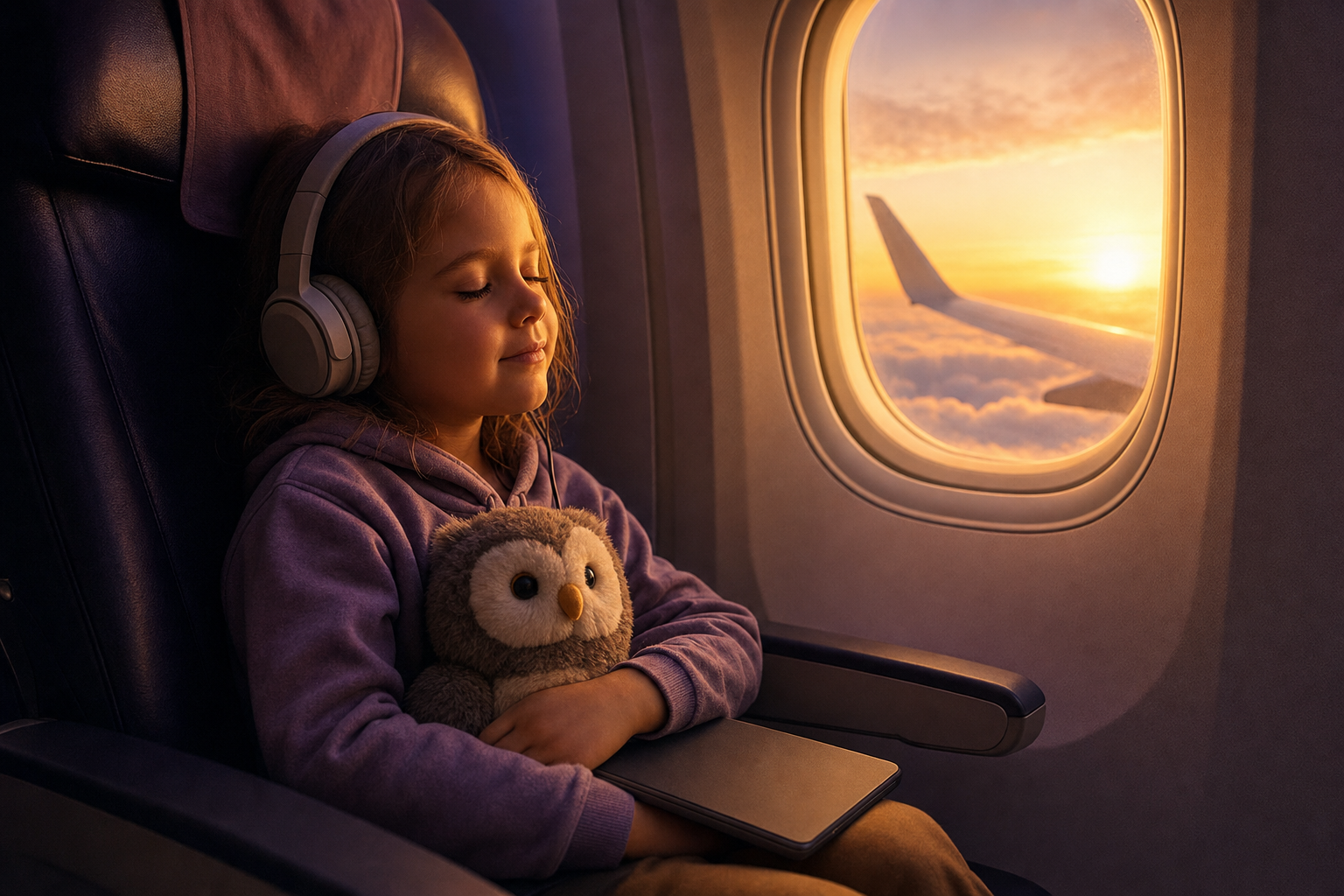
Offline children's stories for travel
Download Faybley stories with full narration for planes, cars, and trips without Wi-Fi. Keep storytime working when the signal drops.
Read guide →
Personalized children's story apps compared
Compare personalized children's story apps on parent voice, read-along, learning paths, languages, safety, and pricing. See where Faybley fits.
Read guide →
Ready to try it?
Free to download on iOS, with a three-day trial of personalized stories and parent voice narration.