
Guide
Offline children's stories for travel
Last updated 2026-08-26
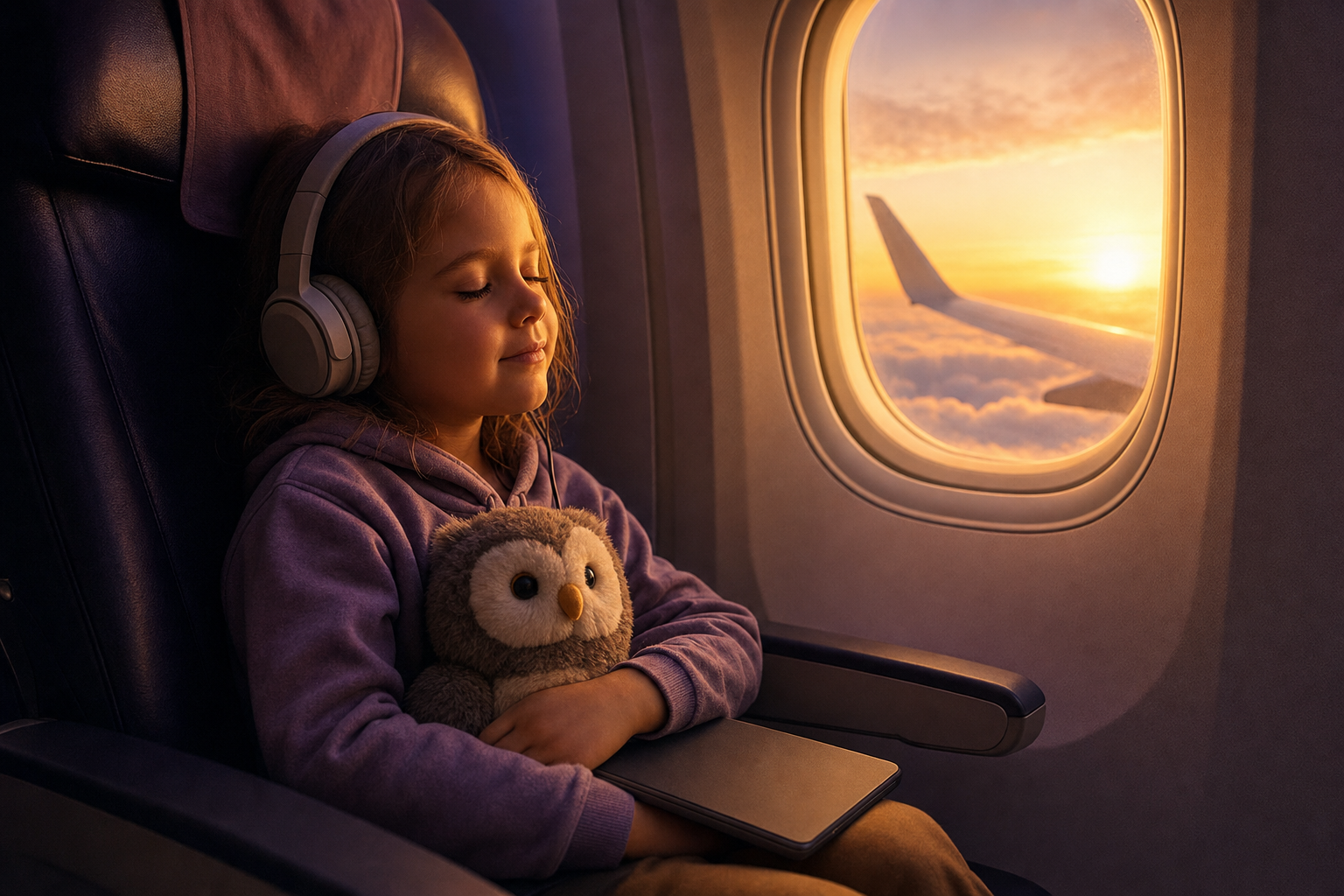
Offline children's stories are downloaded to the device so narration still plays when there is no Wi-Fi. In Faybley you save favorites ahead of a flight or road trip, then play them with word-by-word highlighting even in airplane mode.
Prep Faybley stories for a trip
- 1
Connect to Wi-Fi before you leave
Open the stories you want on the plane or in the car while you still have a good connection.
- 2
Download each story
Use the download control on the story so narration and text are stored on the device.
- 3
Confirm playback
Play a minute offline at home to verify sound and highlighting before travel day.
- 4
Travel
Open downloaded stories anytime. No signal required for playback.
What offline mode includes
Downloaded stories keep text, illustrations, and narration. That is the difference between a true offline story and a file that only opens a spinner.
Plan limits set how many offline downloads you can keep. Clear old trips to make room for the next one.
Travel packing list for storytime
Headphones or a quiet speaker, a charged device, and two or three downloaded stories longer than you think you need. Delays happen.
If you use parent voice, download at least one story narrated that way before you leave so the familiar voice is already on the device.
Quick answers
- Do I need Wi-Fi to generate a new story on a plane?
- Creating a brand-new story needs a connection. Playback of stories you already downloaded does not.
- Does highlighting work offline?
- Yes. Word-by-word highlighting travels with the downloaded narration.