Guide
How to create personalized children's stories starring your child
Last updated 2026-08-26
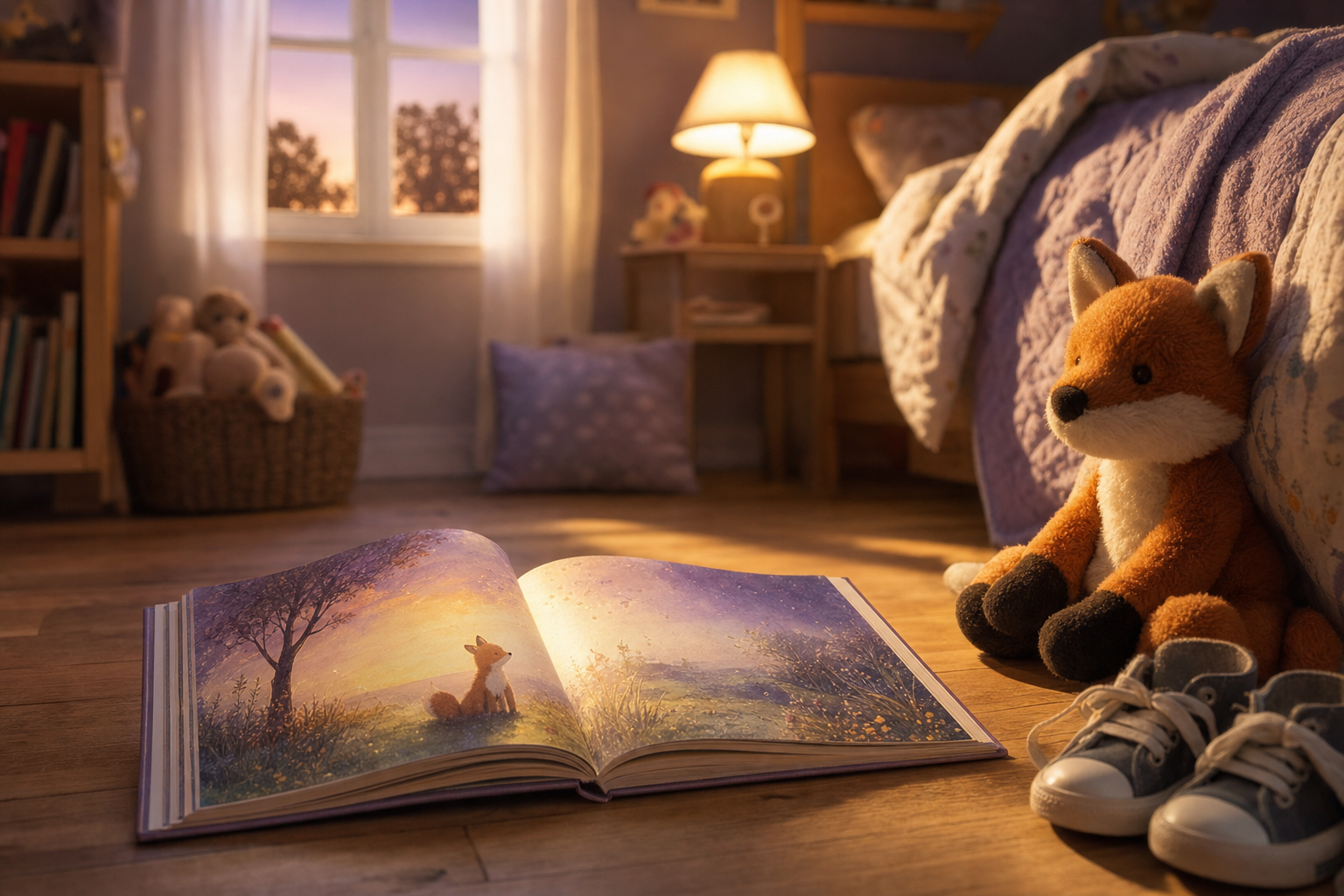
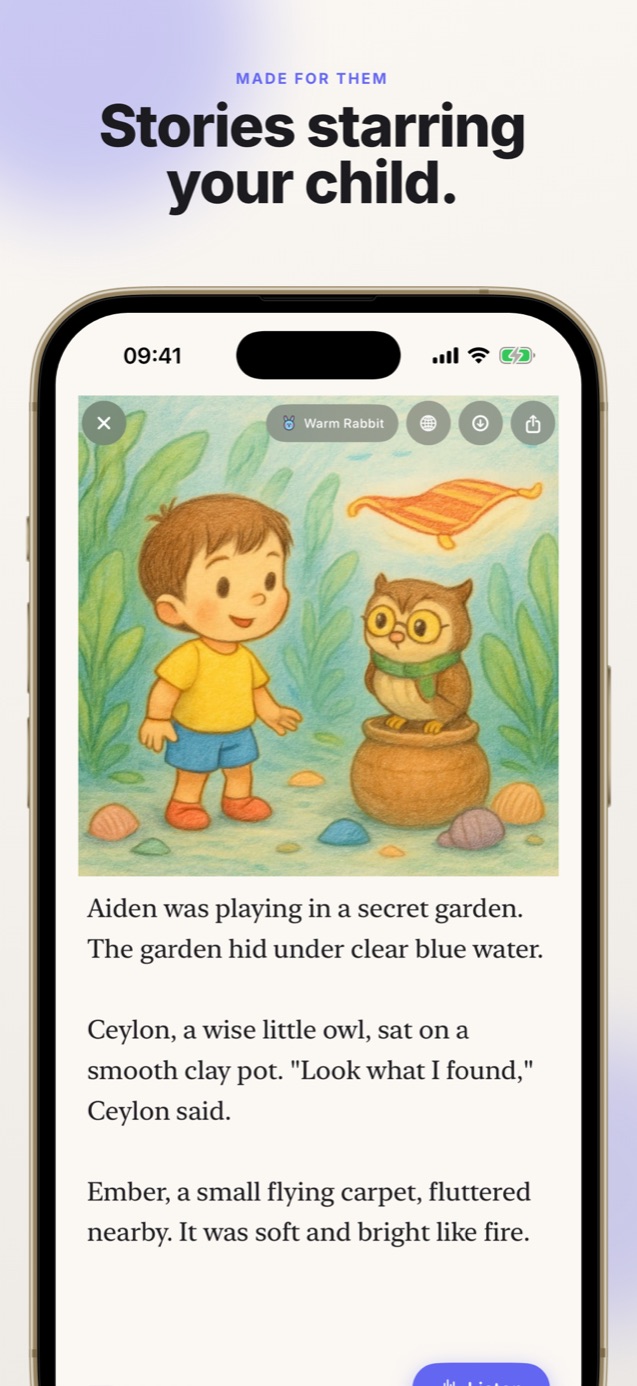
A personalized children's story puts your child in the lead role by name, age, and interests, then pairs the text with illustrations made for that adventure. In Faybley you pick a theme, confirm the child profile, and a new story is written rather than a template with a name swapped in.
Create a personalized children's story in Faybley
- 1
Set up a child profile
Add their name, age, and a few interests so vocabulary and themes fit.
- 2
Choose a theme
Pick adventure, space, animals, everyday kindness, or another theme that matches tonight.
- 3
Generate the story
Faybley writes and illustrates a new story with your child as the main character.
- 4
Read or listen
Open the story, follow word-by-word highlighting, and save favorites for later.
Why personalization matters more than a name sticker
Kids lean in when they hear their own name and recognize the things they care about this month. A dragon story that mentions their stuffed fox is different from a generic paperback with a sticker on the cover.
Personalization also helps reading level. A story for a three-year-old should use short sentences. A story for a nine-year-old can carry longer scenes without talking down to them.
What you choose before Faybley writes
Each child profile stores name, age, and language. Themes steer the plot: undersea gardens, space walks, quiet everyday bravery. Faybley then writes a fresh story and full-page illustrations for that run.
You stay in control. Preview the story before it becomes a habit, and use parent settings if you want tighter filters or shorter sessions.
Tips that keep the magic from going flat
Rotate themes so the same adventure does not repeat every night. Update interests when obsessions change (trains one month, fossils the next).
For siblings, give each child their own profile. Shared libraries are fine; shared reading levels usually are not.
Quick answers
- Are personalized stories unique each time?
- Yes. Faybley generates a new story for each request rather than filling blanks in a fixed script, so plots and illustrations differ even on the same theme.
- Can more than one child have their own stories?
- Yes. Use separate child profiles so each child gets the right name, age band, language, and library. Plan limits set how many profiles you can add.