Guide
How to narrate children's stories in your own voice
Last updated 2026-08-26
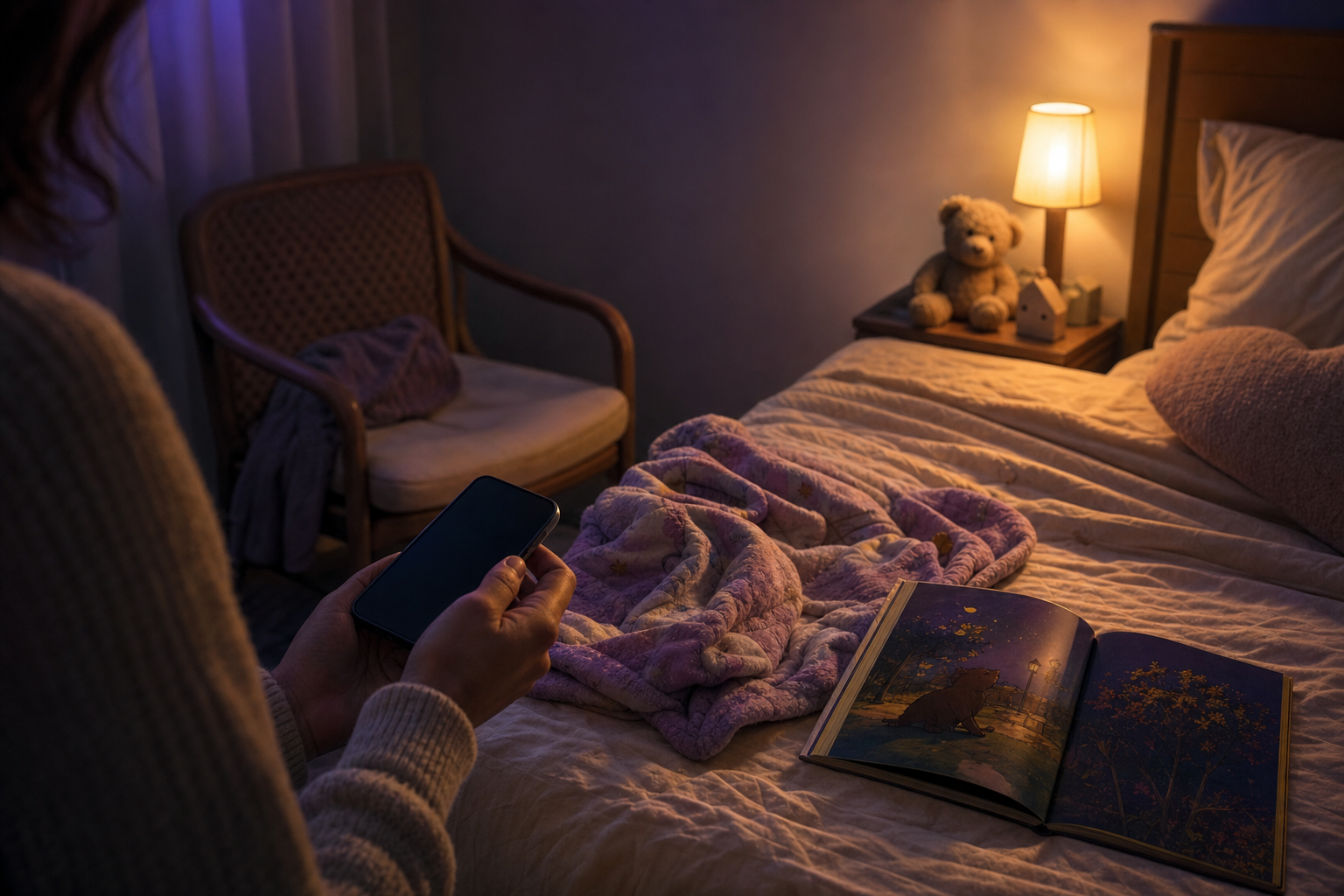
Parent voice narration means a short recording of your speech becomes the narrator for stories you have not read aloud yet. In Faybley you record about one minute once. After that, new stories can play in that voice so storytime still sounds like you on travel nights, late shifts, or when a grandparent lives far away.
Set up parent voice narration in Faybley
- 1
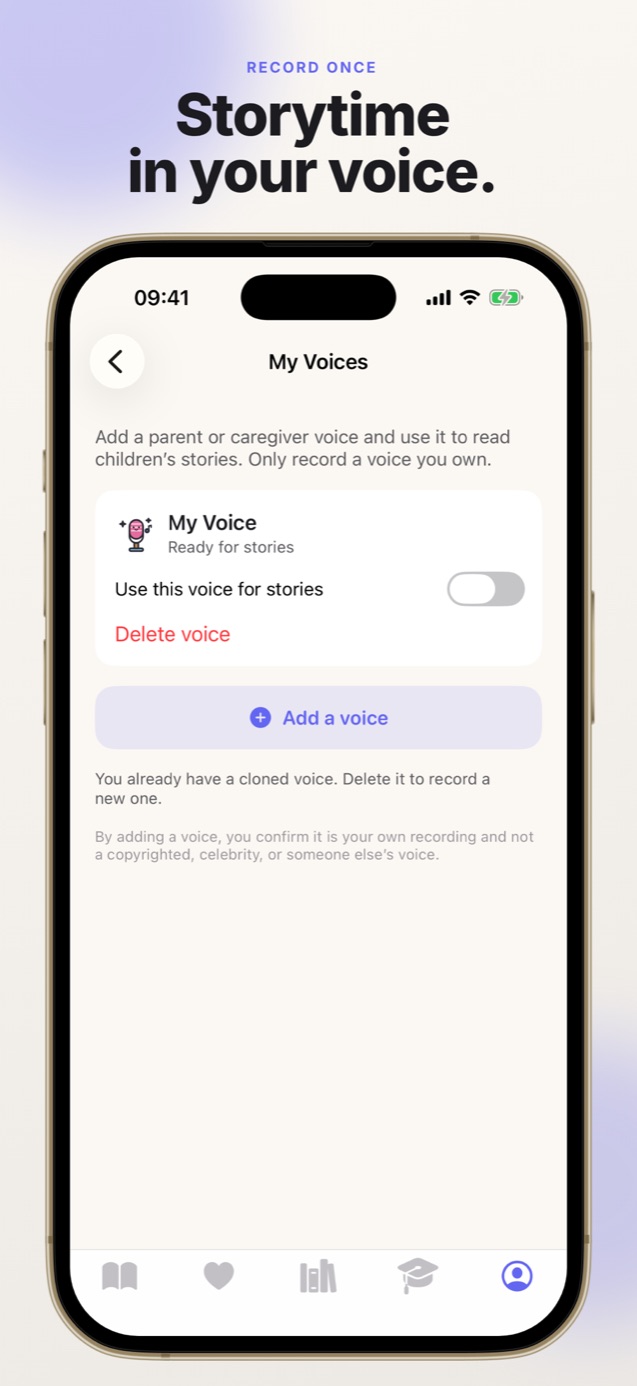
Open My Voices
From the parent area, open voice settings. Only record a voice you own.
- 2
Record a short sample
Read the on-screen passage aloud for about a minute in a calm, natural voice.
- 3
Enable the voice for stories
Toggle the voice on so new and existing stories can use it for narration.
- 4
Play a story
Open any personalized story and listen. Words still highlight as the narration plays.
Record once, not once per book
Older storytime apps ask you to record yourself reading a whole book. That works until your child asks for a story you never recorded.
Voice narration in Faybley is different. The app learns enough from one sample to narrate stories written later, including ones generated tonight.
Consent and privacy basics
Only record a voice you own. Do not clone a child's voice, a celebrity, or anyone who did not agree. Faybley shows that consent copy in the recording flow for a reason.
You can delete a voice from the parent dashboard. Deleting it stops it from being used for future narration.
When parent voice helps most
Travel weeks, shared custody, hospital stays, and grandparents abroad are the usual reasons families ask for this. A familiar voice lowers the temperature of a hard night even when the story is new.
If you prefer not to clone a voice, Faybley also offers warm narrator voices. Parent voice is optional, not required.
Quick answers
- How long does the recording take?
- About one minute of reading a short passage is enough for Faybley to narrate later stories in that voice.
- Can more than one adult add a voice?
- Yes, within plan limits. Parents and caregivers can each record a voice they own so a child can choose who reads tonight.