Guide
Safe AI story apps for kids: what parents should check
Last updated 2026-08-26

A safe AI children's story app filters age-inappropriate content, blocks ads and stranger contact, keeps voice data under parent control, and gives adults real settings. Faybley is built around those rules: filtered stories, no ads, no child messaging, Face ID-locked parent controls, and COPPA-minded design.
The checklist that actually matters
Ask five questions. Are there ads? Can anyone message my child? Who can record a voice? What happens before a story reaches the screen? Which settings require a parent unlock?
If an app is vague on any of those, treat that as a no. Marketing words like "magical" do not answer safety questions.
How Faybley answers those questions
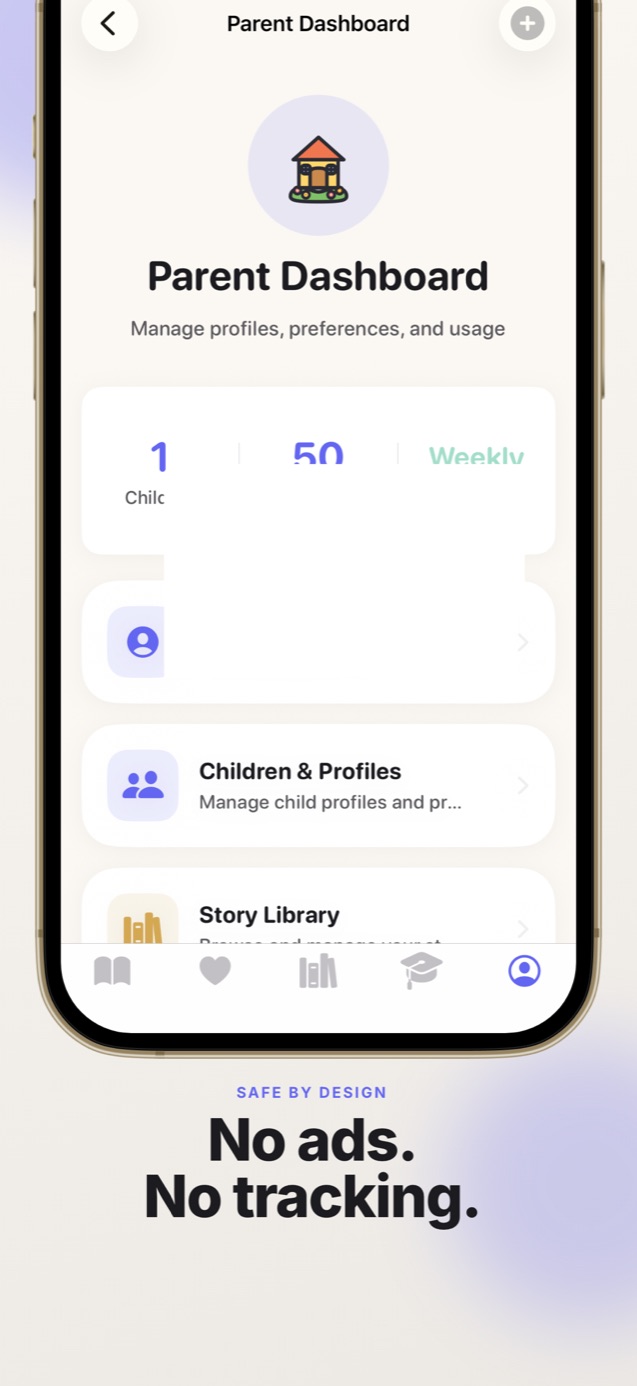
Stories pass age-appropriateness checks before a child sees them. There is no advertising and no way for strangers to contact a child in-app. Voice recording is for parents and caregivers only, with delete available any time.
Screen-time limits, content filters, and the Parent Dashboard sit behind Face ID or a passcode. We still recommend reading along, the same advice you would give for any book.
Voice cloning deserves extra scrutiny
Parent voice features should require consent language, refuse child recordings, and let you delete the sample. If an app treats voice data as a marketing asset, walk away.
Faybley uses your recording to narrate your family's stories and nothing else. That boundary should be visible in product copy and privacy policy, not buried in a FAQ.
Quick answers
- Is Faybley COPPA compliant?
- Faybley is designed to be COPPA compliant from day one, with parental controls, no ads in the child experience, and no stranger messaging.
- Can I delete my voice recording?
- Yes. Delete it from the parent area any time. After deletion it is not used for future narration.