Guide
AI bedtime story apps for kids: what to check before you download
Last updated 2026-09-05

Before you download an AI bedtime story app, check the parts that matter after the lights go down: ads, stranger contact, who can record a voice, what a child can see, and what the trial actually includes. Faybley is an iOS children's story app built around those checks. This page is a buying list, not a claim that every other app fails it.
Evaluate an AI story app before you download
- 1
Look for ads and messaging
Open the listing and privacy notes. If a child can see ads or be contacted by strangers, stop there.
- 2
Read the voice rules
If the app clones a voice, it should say who may record, refuse a child's voice, and let a parent delete the sample.
- 3
Confirm a parent lock
Settings that change content, time limits, or purchases should sit behind Face ID, a passcode, or another adult gate.
- 4
See what the trial includes
A useful trial lets you generate a story, hear narration, and test parental controls before a subscription starts.
- 5
Try one story with your child
Download on the App Store or Google Play, use the trial, and decide from a real night, not from the screenshots alone.
The five checks that matter at bedtime
Ask five questions. Are there ads in the child experience? Can anyone message my child? Who is allowed to record a voice? What happens before a story reaches the screen? Which settings require a parent unlock?
Bedtime is a tired hour. An app that answers those questions in plain language is easier to trust than one that only says it is magical. Marketing copy is not a safety review.
How Faybley answers those questions
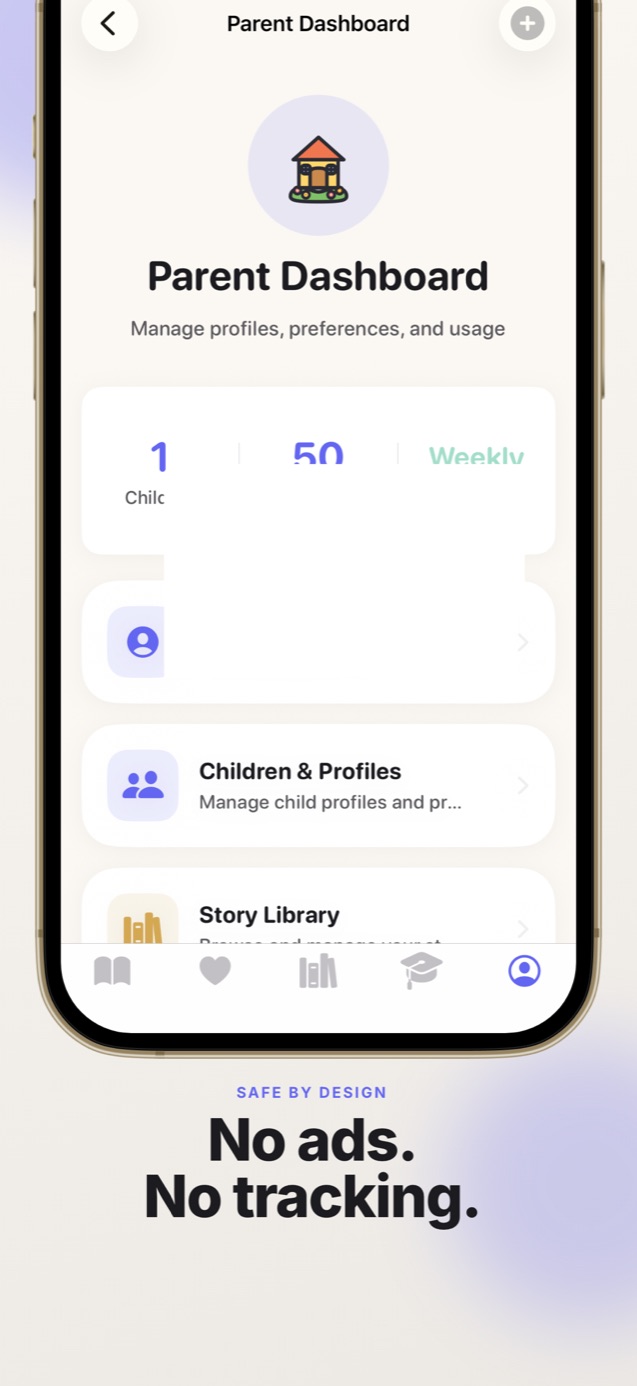
Faybley filters stories for age-appropriateness before a child sees them. There is no advertising and no way for strangers to contact a child in-app. Voice recording is for parents and caregivers only, with delete available any time.
Screen-time limits, content filters, and the Parent Dashboard sit behind Face ID or a passcode. Faybley is designed to be COPPA compliant. We still recommend reading along when you can, the same advice you would give for any book.
Faybley is on iOS and Android. Personalized stories, parent voice, and word-by-word read-along are the reasons to try it. It does not replace a bookshelf.
Trial, then subscription (no surprise about the model)
Faybley is free to download on the App Store and Google Play and includes a free trial of personalized stories and parent voice narration. After that it is a subscription (weekly, Plus, or Family). Plans change story limits, child profiles, narration, translation, and offline downloads.
Apple shows the price in your currency before you confirm. Cancel in subscriptions before the trial ends if you do not want to continue. We do not list dollar amounts here because App Store and Google Play pricing can differ by region.
Quick answers
- Is Faybley only for bedtime?
- No. Faybley is a children's story app. Families use it at bedtime, on car rides, and for quiet time. Bedtime is a common search, not the only use.
- Are there ads after the free trial?
- No. Faybley does not show ads in the child experience during the trial or after you subscribe.
- What should I check beyond Faybley?
- Use the same list on any AI story app: ads, messaging, voice consent and deletion, parent locks, and a trial that includes a real story. Read each app's privacy policy. Policies change.